How to Fix WiFi Dead Zones in Your Utah Home (2026 Guide)
The real causes of WiFi dead zones in Utah homes, from stucco walls to basements, and how mesh, wired access points,...
Learn More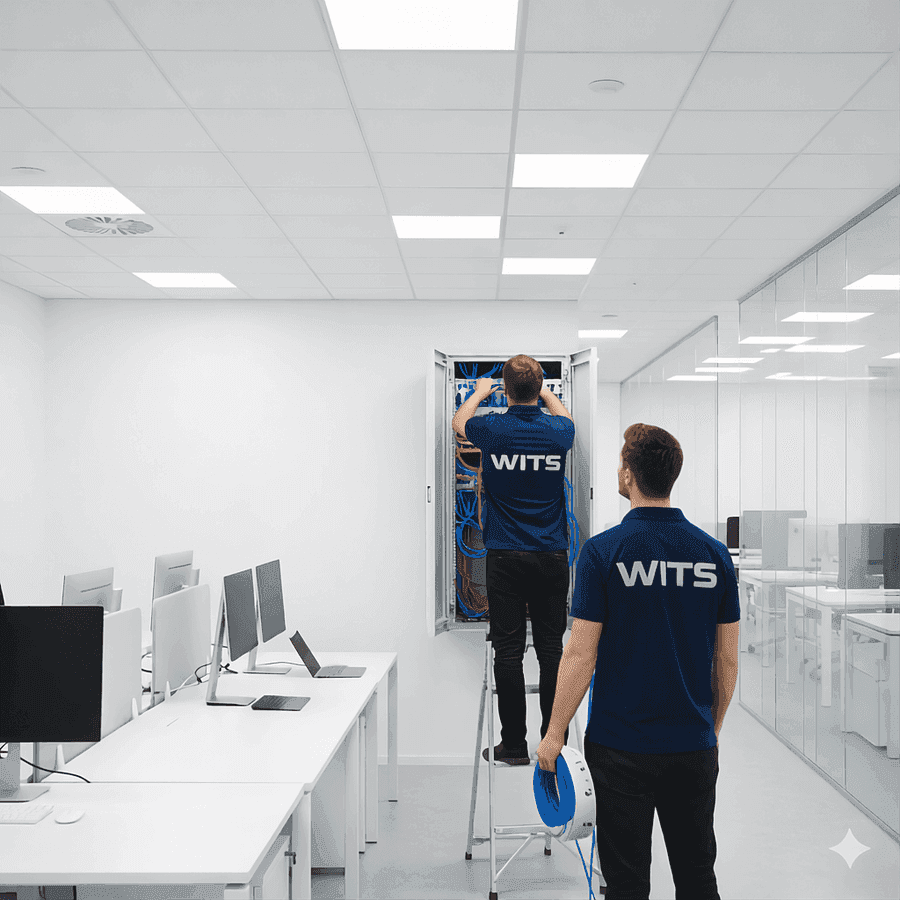
Quick Summary: Mesh Wi-Fi extenders and plug-in repeaters cannot fix a weak signal at the access point itself. A wired Ethernet run to each access point, especially ceiling- or wall-mounted units, is what actually delivers Wi-Fi 6E and Wi-Fi 7 speeds evenly through a home. New construction and remodels should plan this cabling before drywall goes up, because retrofitting later means opening finished walls. Older homes can still retrofit, starting with the access point locations rather than every room.
A weak Wi-Fi signal is rarely a router problem. It is a wiring problem. Every access point in a home, whether it is the single router the internet provider dropped off or a mesh node in the hallway, needs a fast, stable connection back to the internet gateway. If that connection is wireless (one access point talking to another over the air, what the industry calls "wireless backhaul"), every hop cuts into the available bandwidth and adds latency. If that connection is a physical Ethernet cable ("wired backhaul"), the access point gets the router's full speed with none of the compromise. That single difference is usually what separates a home where Wi-Fi is fast in the office and dead in the basement from one where it works evenly everywhere.
A wired access point is a dedicated radio, typically mounted on the ceiling or high on a wall, connected to the network with its own Ethernet cable rather than plugged into whatever outlet happens to be nearby. That distinction matters more than the brand of hardware on the box. A plug-in Wi-Fi extender, or a mesh node relying on wireless backhaul, is doing two jobs with one radio: talking to your devices and relaying that traffic back to the router over the air at the same time. A wired access point only has one job, talking to your devices, because the cable already handled the relay. The practical result is an access point that can be placed where the coverage problem actually is (the ceiling of a great room, a hallway outside the bedrooms, over a detached garage) instead of wherever the nearest outlet happens to sit.
Homes being wired today should plan for wired access points from the start, for three reasons that did not apply a decade ago.
Wi-Fi 7, which the Wi-Fi Alliance introduced on January 8, 2024, uses 320 MHz channels in the 6 GHz band and a feature called Multi-Link Operation, which lets a device transmit and receive over more than one link at once for higher throughput, lower latency, and better reliability (source: Wi-Fi Alliance, Wi-Fi Alliance Introduces Wi-Fi CERTIFIED 7). None of that helps if the access point itself is starved for bandwidth on the wired side. An access point advertising multi-gigabit Wi-Fi speeds needs a wired connection that can actually deliver a multi-gigabit feed, not a single aging 1 Gbps uplink shared across every device in the house.
Both Cat6 and Cat6A carry 10 Gbps Ethernet, but not over the same distance. Cat6 supports reliable 10GBASE-T to roughly 55 meters; Cat6A holds the full 10 Gbps across the entire 100-meter maximum channel length used in structured cabling (source: CommScope, What Is Category 6 (Cat 6)?). In most rooms of a typical Utah home, the run from a central switch to an access point is well under 55 meters, so Cat6 is plenty. For a longer run to a detached garage, a guest house, or a sprawling multi-story floor plan, Cat6A is the safer choice.
Most ceiling- and wall-mounted access points run on Power over Ethernet, so the mounting location needs no separate electrical outlet, only the data cable. Wi-Fi 6E and Wi-Fi 7 access points also tend to draw more power than older ones, and the newer 802.3bt standard reflects that: a Type 4 802.3bt port can supply up to 90 watts at the switch, with roughly 71 watts guaranteed to reach the device after cable loss (source: Cisco, UPOE+ deployment guide). A network closet with a PoE-capable switch and enough ventilation to handle that heat needs to be part of the original plan, not something discovered after the access points are already mounted.
A mesh system relying on wireless backhaul is a reasonable stopgap in a small home. In a larger or older Utah home, especially one with plaster walls, brick, or a multi-story layout, it runs out of room quickly. Every additional mesh node that depends on a wireless hop back to the router adds one more point where the signal can degrade, and thick older construction materials make that worse than it would be in newer, thinner framing. The homeowner experience is familiar: a strong signal in the room with the main router, progressively weaker coverage in every room after that, and a dead zone in whatever room sits furthest away, no matter how many extenders get added to the shelf.
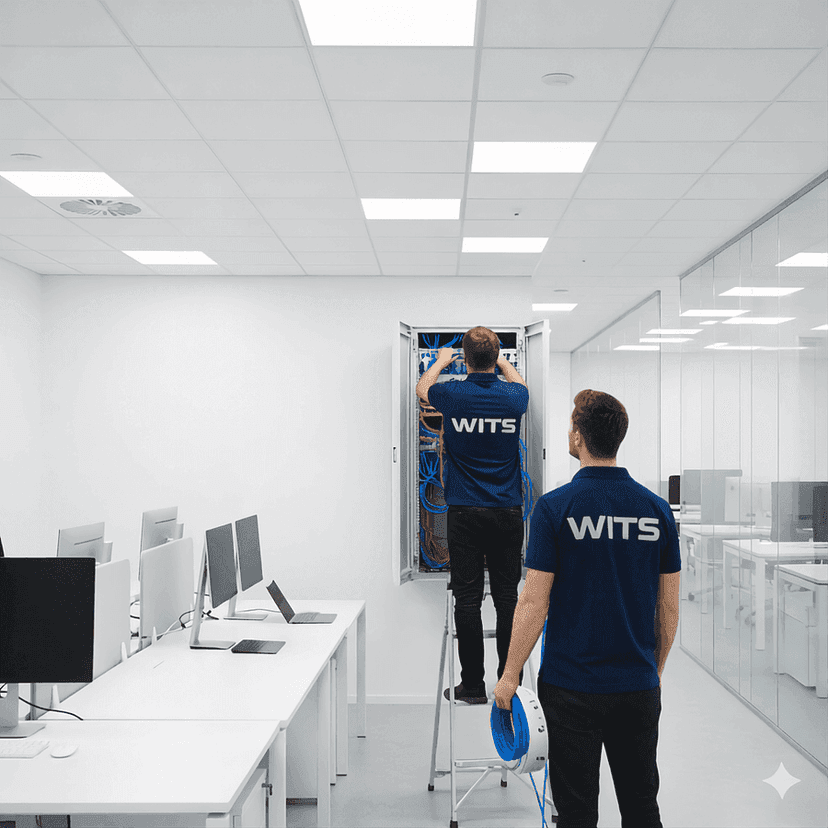
A full-house retrofit does not have to start with wiring every room. It should start with wiring the access point locations, typically two to four spots such as a central hallway ceiling, a great room, or a detached structure, that cover the home in overlapping cells. WITS's home network and Wi-Fi page and ethernet wiring page both start this kind of project with an on-site design consultation: a technician measures signal strength room by room, identifies where an access point actually needs to sit, and plans the cable route through the attic, basement, or crawl space before opening a single wall.
The cheapest time to run Ethernet to an access point location is before the drywall goes up. With the framing open, a cable run is mostly a matter of drilling through studs and stapling cable along a joist. Once the walls are finished and painted, the same run means cutting drywall, fishing cable through insulation and fire blocking, patching, and repainting, on top of the original labor. None of that changes the physics of the cable itself. It only adds the cost of undoing and redoing finished work that would not have existed in the first place.
This is exactly why WITS works as a low-voltage trade partner on new construction and remodel projects, not only as a retrofit call. On a custom home, the cable routes, outlet locations, and network closet get specified before the electrician pulls a permit, so access point wiring becomes part of the original build instead of a change order discovered at trim-out. If you are building new, working with a custom builder, or planning a remodel that will open walls anyway, ask whether access point cabling is already in the pre-wire specification. WITS's custom home builders page covers how that pre-wire coordination works with an electrician and architect.
Regardless of whether it goes in during a build or a retrofit, a wired access point system has the same basic pieces:
The starting point differs depending on where a home is in its life. A home under construction or mid-remodel should get access point cabling into the pre-wire plan before the drywall closes the walls; see the custom home builders page for how WITS coordinates that with a builder's electrician and architect. A home that already has dead zones is a retrofit candidate: WITS's ethernet wiring page and Wi-Fi installation page both begin with an on-site design consultation, a $165 weekday visit ($205 on weekends, $300 after hours), credited in full toward the installation if the homeowner moves forward. That visit is not a free estimate. It is a technician on-site with test equipment, mapping exactly which rooms need a wired access point and how to route the cable to reach them.
Call 385-313-9898, or start online at Get Started.
In-wall Cat6 runs, tested and labeled.
Planning access point cabling into a new build.
Access point placement and configuration.